Tools, not a template.
Devices are chosen per composition mode. Core devices appear often; optional devices when the message is commercial or interactive; specialist devices only when capacity, size or location is the point. No device appears for decoration.
Guideline
From guidelines/08-devices.md
Tools, not a template.
Core: the red signal, Light → Bold type, the light sign-off. Optional: info block, chips, spec cells. Specialist: dimension lines, service plans, frames/title blocks. Each must carry information or structure.
Chosen per composition mode.
Decoration or texture.
- Start with no device; add only what the message needs
- One signature per surface
- Frame + info block + plan + chips together
- Dimension lines without a real value
ExampleSee board Graphic devices (07).
The board
Core, optional and specialist devices — signal, type, sign-off, info block, chips, spec cells, dimensions and plans, frames — and iconography
The official board from the package, rendered live. Use “Open full size” for 1:1 detail on small screens.
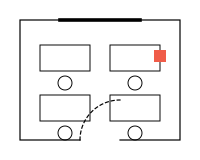
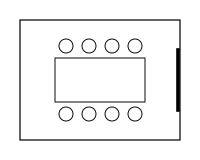
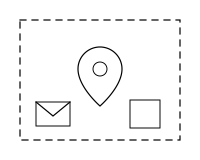
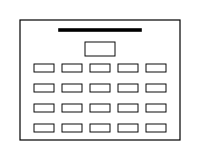
Service plans
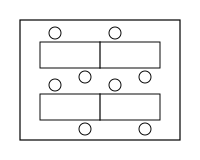
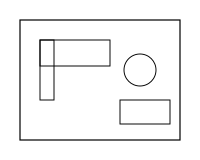
Top-down plan pictograms, one per service — a specialist device. Red only on the one element that matters. Exact copies from the ServicePlan component.